App support.
Trouble with the Drew League app? Start here — and if the answer isn't below, email us. We're a small league staff and usually reply within a day or two.
Email matt@the-drew.com for anything about the app, your account, registration, or a payment. The app requires iOS 17 or later and is free for every league family.
I can't sign in
The app and the website share one account — sign in with email and password, Google, or Apple, using the same email you registered with. If you signed up on the web with Google or Apple, use that same button in the app rather than a password. Forgot your password? Tap “Forgot password” on the sign-in screen to get a reset email.
The app doesn't show my player
A player appears on your Home dashboard once their registration is complete and paid (or approved for financial aid) for the current season. If you registered under a different email address than the one you signed in with, or a second parent handled registration, email us and we'll link the accounts. Parents can also grant a second guardian access under More → Account → Family access.
I'm not getting alerts
Open More → Account → Notifications in the app and make sure alerts are turned on, then check iOS Settings → Notifications → Drew Leagueand allow notifications there too. Alerts cover schedule changes, weather calls, and coach announcements — we don't send marketing pushes.
My schedule, roster, or score looks wrong
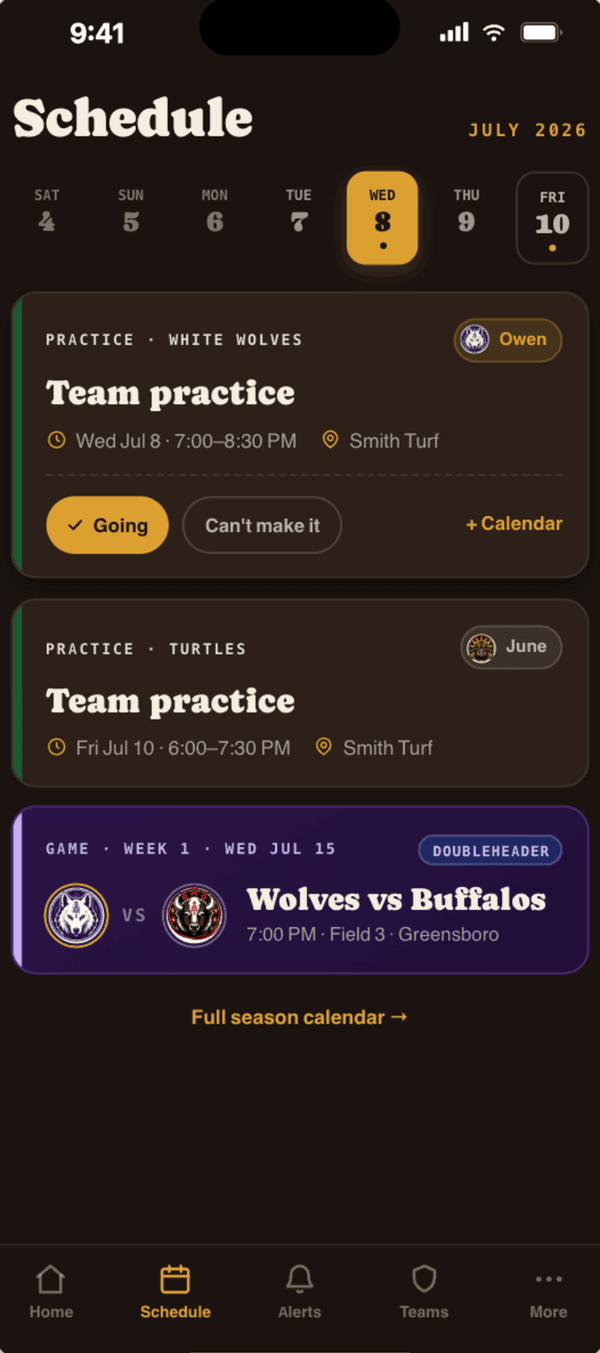
Coaches and league staff enter schedules, rosters, and scores, and the app reflects whatever is current. Pull down to refresh first. If it still looks wrong, tell us what you're seeing and on which screen and we'll fix the underlying record — that corrects it for every family at once.
Questions about a payment or refund
Registration and shop payments are processed by Stripe; we never see or store your card number. Sibling discounts apply automatically when you register multiple players, and financial aid is available — apply at the-drew.com/aid. For a receipt, a correction, or a refund request, email us with the player's name and the date of the charge.
A photo of my child is in the gallery
The season gallery holds game-day photos taken by league photographers, and it's visible only to signed-in league accounts. If you'd like a photo of your child removed, email us with a description or screenshot and we'll take it down.
How do I delete my account?
In the app, go to More → Account → Delete account. That permanently removes your account and your family's personal data. Financial records we're required to keep are anonymized rather than deleted. Details are in our privacy policy.
Reporting a bug or asking for a feature
Email us with what happened, which screen you were on, and your iPhone model and iOS version (Settings → General → About). A screenshot helps a lot. We read every message — a good bug report usually turns into the next release.
Still stuck? Email matt@the-drew.com and include your player's name — it's the fastest way for us to find your account. You can also read the league FAQ or the privacy policy, or see what the app does on the app overview page.